Skip to content



Customer Support Scams happen when criminals impersonate a legitimate company’s support team to trick customers into sharing information, sending money, installing software, or visiting fraudulent websites. These scams can damage customers directly while leaving the impersonated brand dealing with lost trust, complaints, and reputational fallout.
Most frequently, these scams target less tech-savvy users, or the elderly and take advantage of anyone seeking urgent customer support. Protecting these customers requires more than securing an official support center. Brands also need visibility into the websites, search results, advertisements, social accounts, apps, and other digital channels where scammers may pretend to represent them.
What Are Customer Support Scams?
Customer Support Scams and Tech Support Scams use the trust customers already place in a recognizable company. Instead of building credibility from scratch, scammers usea brand’s name, logo, products, employees, and support language.
The interaction may start when the victim calls the number that they believe is customer support, and are connected to a scam call center where operators are trained to impersonate customer support representatives. The scammer builds credibility by using professional language, referencing the impersonated brand, and creating a sense of urgency. Depending on the scam, the victim may be told their computer is infected with malware, their account has been compromised, a payment or refund has failed, or their subscription is about to be renewed for a large amount.
Sometimes, the scammer can convince the victim to install remote access software (allowing the scammer to control the victim’s device), requesting online banking access under the guise of processing a refund, demanding payment for unnecessary technical support services, or instructing the victim to purchase gift cards and read the redemption codes over the phone.
Gift cards are particularly attractive because they are difficult to trace and nearly impossible to recover once redeemed. The Federal Trade Commission warns that tech support scammers can use search results and online ads to attract people looking for help. It also advises consumers to contact companies through support information they already know is legitimate.
Although technical support scams are well known, the same basic model can affect almost any consumer-facing brand. Attackers can impersonate customer service teams for retailers, banks, travel companies, software providers, telecom operators, marketplaces, delivery services, and other businesses.
The Variation of Scams?
Most Customer Support Scams follow the same basic process: impersonate the brand, create a believable reason for contact, then move the customer toward an action that benefits the attacker.
The exact path varies. However, several tactics appear repeatedly.
Fake Customer Support Websites
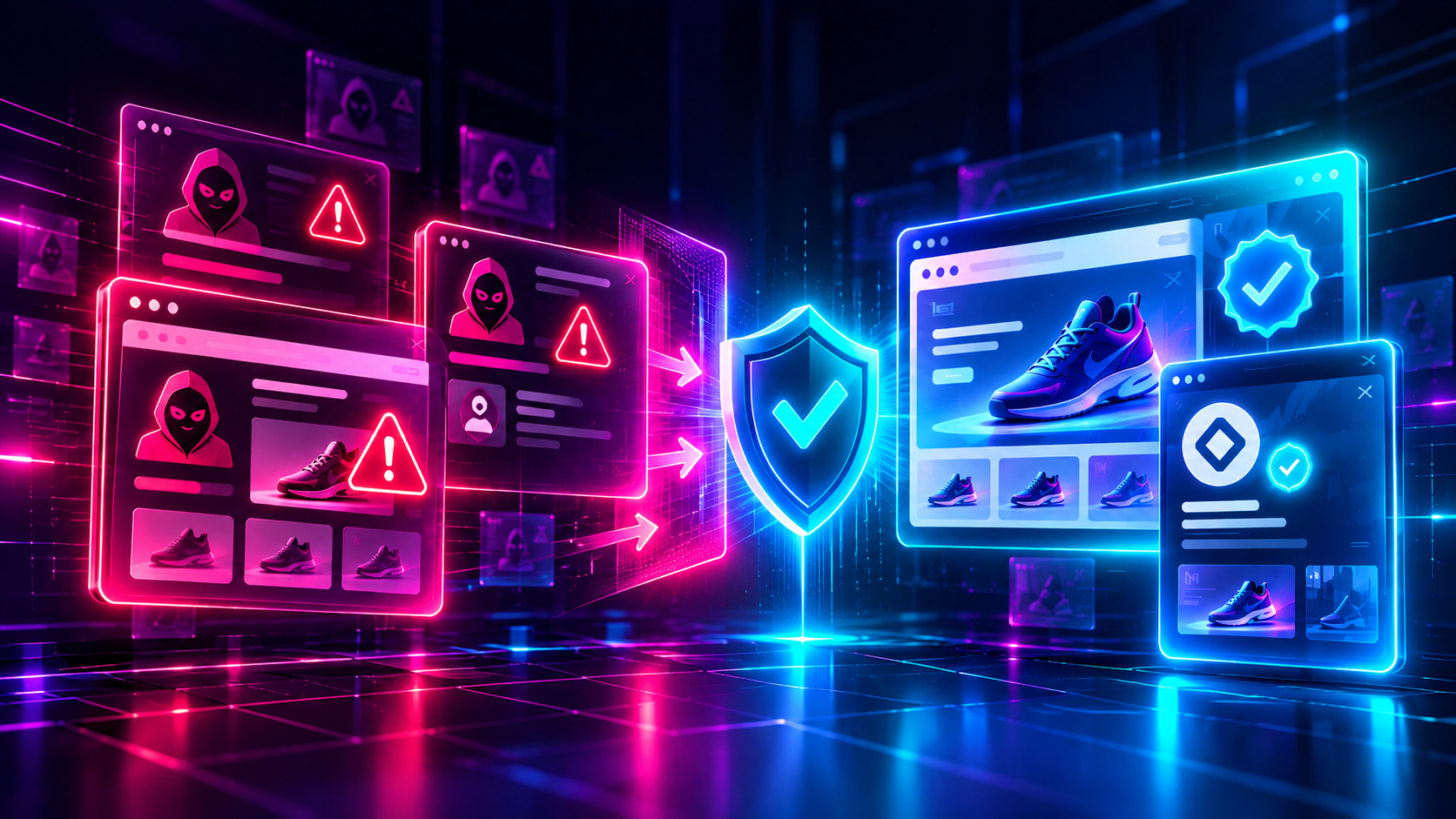
Attackers can register domains that resemble a legitimate company and build pages that copy its branding. These pages may include fake support numbers, live-chat widgets, login forms, refund forms, or account recovery tools.
Some sites closely imitate an official support portal. Others are simpler pages designed mainly to rank in search or give a fraudulent phone number credibility.
This creates a difficult problem for brands. The scam may happen entirely outside the company’s own systems. As a result, the legitimate company may not know the customer has interacted with an impersonator until the customer reports the incident.
Fraudulent Paid Ads
Scammers can also use paid advertising to put fake support pages in front of customers who already have a problem they want solved.
A customer searching for phrases such as a company name followed by “support,” “refund,” “customer service,” or “account help” may be especially vulnerable. The customer already expects to find a way to contact the company and may treat prominent search results as legitimate.
Fake advertisements can therefore turn advertising infrastructure into an impersonation channel. BrandShield monitors malicious paid ads across search and social channels as part of its Paid Ad Scams Protection Solution.
Social Media Impersonation
Fake support accounts can appear on social networks and respond to public customer complaints.
Imagine a customer who publishes a post complaining that an order has not arrived. . An imposter that has set up a fraudulent account using the company logo can reply within minutes and offer to “help track the customer’s package or offer a refund as its late., The scammer may then move the conversation into a private message and request account details, payment information, or another action.
This tactic is effective because the scam enters an existing support conversation. The customer has already identified themselves as someone who needs assistance.
For more on how this type of activity affects brands, read BrandShield’s guide to brand impersonation and its impact on reputation.
Phishing Emails and Text Messages
Support impersonation can also begin through phishing.
A message might claim that:
- an account has been suspended
- a payment failed
- an order needs verification
- a refund is waiting
- a subscription has renewed
- unusual activity was detected
- the customer must confirm personal information.
The message then directs the recipient to a fake login page, fraudulent support number, or attacker-controlled conversation.
Brands facing this type of activity should treat fake support messages as part of the broader phishing and impersonation problem. See BrandShield’s guide to preventing phishing scams for additional context.
Fake or Rogue Mobile Apps
Attackers may also distribute applications that impersonate legitimate companies or their customer portals.
A fraudulent app can use familiar logos, screenshots, product names, or interface elements. It may claim to provide account management, technical support, delivery tracking, shopping, or another legitimate service.
Once installed, the app can direct users toward fraudulent forms or other deceptive interactions. Brands therefore need to consider official and unofficial app environments alongside websites and social media.
Refund Scams
Refund scams are a common variation of tech support scams in which victims are tricked into believing they are owed a refund for a subscription, software purchase, or accidental charge. After convincing the victim to install remote access software or log into their online banking account, the scammer pretends to issue a refund but claims they accidentally sent too much money. The victim is then pressured to “return the excess” by sending money through bank transfers, cryptocurrency, or, most commonly, gift cards, when in reality, no legitimate refund was ever issued.
Why Are Customer Support and Tech Support Scams So Convincing?
There are a number of reasons as to why customer or tech support scams are convincing but one of the most popular ones is because they usually appear at moments when people already expect to communicate with a company.
A customer trying to fix a billing problem or recover an account is focused on solving the issue. They may move quickly, especially if the scammer introduces urgency.
Attackers also have access to the same brandassets thatcustomers see. Logos, product images, help-center language, employee names, social profiles, and website layouts can all make an impersonation appear more credible.
Generative AI has also made it easier to produce polished text and visual material at scale, including content that imitates established brands. However, the underlying scam remains familiar: attackers exploit trust in the organization they are pretending to represent.
That means brands should not rely on poor spelling, unusual design, or obvious technical mistakes as their primary warning signs. A fraudulent interaction can look professional and still be fraudulent.
What Damage Can These Scams Cause?
Customer Support Scams can create both customer harm and business risk, even when the attacker never accesses the company’s internal network.
Potential consequences include:
- Customer financial loss: Victims may send payments directly to scammers or disclose financial information.
- Credential theft: Fake account recovery or login pages can collect usernames and passwords.
- Loss of customer trust: Customers may associate the scam experience with the brand that was impersonated.
- Higher support volume: Legitimate customer service teams may need to investigate incidents and help affected users.
- Reputational damage: Scam reports can spread through reviews, social media, forums, and news coverage.
- Traffic diversion: Fraudulent ads and websites can intercept customers trying to reach official company channels.
- Broader impersonation campaigns: A fake support page may be only one part of a connected network involving domains, ads, social profiles, or mobile apps.
The last point matters. Treating every fraudulent page or account as an isolated incident can hide the larger structure behind a scam campaign.
How Can Companies Detect These Scams?
Companies can detect these types of scams more effectively by continuously monitoring for misuse of their brand across the channels customers use to find support.
A strong protection platform should look beyond the corporate website and should monitor the following.
1. Llookalike and suspicious domains
Watch for newly discovered domains that combine the company name with terms such as “support,” “help,” “login,” “billing,” “refund,” or product names.
Not every similar domain is malicious. Therefore, companies need a process for reviewing content, branding, ownership signals, and behavior before deciding how to respond.
2. Paid search and social advertising
Search advertising deserves particular attention because it can intercept customers at the exact moment they are looking for assistance.
Monitoring should cover both brand terms and support-related queries where possible. Teams should also look for unauthorized use of logos, trademarks, and landing pages.
3. Impersonating social accounts
Brands should monitor accounts using their company name, logo, executive identities, and customer service terminology.
More importantly, teams should examine how those accounts behave. An account that repeatedly contacts customers asking for private messages or directing users to external websites deserves closer review.
4. Mobile applications
Search official and unofficial app environments for unauthorized apps using company branding or claiming to offer company support. Fake apps may be overlooked when organizations focus mainly on websites and social platforms.
5. Connect related threat Network
A suspicious domain, fake advertisement, and social profile may belong to the same campaign.
Connecting those signals can help teams understand whether they are dealing with one fraudulent asset or a larger impersonation operation. This is especially useful when attackers replace removed assets with new domains or accounts.
How Can Brands Protect Customers From Customer Support Scams?
Brands can reduce customer exposure by combining clear support practices with proactive monitoring and enforcement. Start with the basics: make official support channels easy to find, so customers don’t have to search extensively for a legitimate phone number, help center, or account portal, and clearly explain what support teams will never request passwords, verification codes, unusual payments, or remote access. From there, brands should monitor external digital channels for fraudulent domains, advertisements, social accounts, and apps that misuse their identity, and give customers and employees a clear route to report suspicious support interactions.
When a report comes in, speed matters. A single customer report may reveal a scam that’s already targeting many others, so it should be investigated quickly. Before taking enforcement action, teams should preserve evidence such as URLs, screenshots, account details, advertisements and prioritize the highest-risk threats first: a live phishing page collecting credentials generally deserves faster attention than inactive trademark misuse. None of this works in isolation, either. Security, legal, brand protection, marketing, fraud, and customer support may each see a different part of the same attack, so coordinating across teams is essential.
What Should Customers Do If They Find a Fake Support Account?
Customers should stop interacting with the suspected scam and contact the company through an independently verified channel.
For brands, the incident should also trigger a repeatable response process. Teams should capture the fraudulent URL, account, phone number, advertisement, app, or message. They should then determine whether related assets exist elsewhere.
Where possible, affected brands should also warn customers through official channels when a scam becomes widespread. The wording should be specific enough to help users recognize the scam without creating unnecessary alarm.
Scam Prevention Requires External Visibility
Companies invest heavily in making customer service accessible. Scammers exploit that accessibility by creating alternative paths that look legitimate.
As a result, protecting customers requires visibility beyond the systems a company owns. Brands need to understand what people see when they search for help, encounter an advertisement, receive a message, find a social profile, or download an app.
BrandShield’s External CyberSecurity solution is designed around threats including phishing, impersonation, fake ads, rogue mobile apps, and domain infringements that operate outside traditional security controls.
Clear official support practices reduce confusion. Monitoring identifies impersonation earlier. Fast investigation and enforcement reduce the time fraudulent assets remain available.
Together, those controls make it harder for scammers to insert themselves between a brand and the customers trying to reach it.
To see how BrandShield detects and responds to brand impersonation, phishing, paid ad scams, fake social accounts, rogue apps, and related digital risks, book a BrandShield demo or talk to the team.
Frequently Asked Questions About Customer Support Scams
What is a customer support scam?
A customer support scam is a fraud scheme in which an attacker pretends to represent a legitimate company’s support, service, billing, or technical team. The goal is usually to convince a customer to disclose information, visit a fraudulent site, send money, or take another harmful action.
How can I tell if customer support is fake?
Check the contact details against the company’s official website or app. Be cautious when someone creates unusual urgency, requests sensitive credentials, redirects you to an unfamiliar domain, or asks you to use an unexpected payment method. Specific warning signs vary by company and scam type.
Can scammers impersonate customer support on social media?
Yes. Fraudulent accounts can copy company branding and approach customers who publicly ask for help. The scammer may then move the conversation into private messages or direct the customer to an external website.
How can companies stop Customer Support Scams?
Companies can reduce the risk through clear official support channels, customer education, monitoring for brand impersonation, rapid investigation, and enforcement against fraudulent websites, ads, social profiles, and apps. Cross-channel visibility is important because a single campaign may use several digital assets at once.